AI that fits the role
Give each team useful examples, safe ways to practice, and the confidence to try something new.

AI + Learning
We help teams move past the hype and start using AI with confidence. The technology speeds things up. People still make the smart calls.
Built around people
We create space for questions, honest practice, and useful guardrails. That is how AI becomes part of the work instead of another tool people quietly avoid.
Four practical ways in
We keep it simple and responsible. If a use case saves time, improves practice, or makes learning more relevant, it is worth exploring.
Role-based learning that turns AI curiosity into confident, responsible action.
Human-reviewed workflows that speed up analysis, scripting, prototyping, and production.
Practice and resources shaped around real roles, real context, and different starting points.
Simple signals that show what people use, where they get stuck, and what to improve next.
Where we can jump in
Give each team useful examples, safe ways to practice, and the confidence to try something new.
Transform dense source material into clear video, e-learning, job aids, and searchable answers.
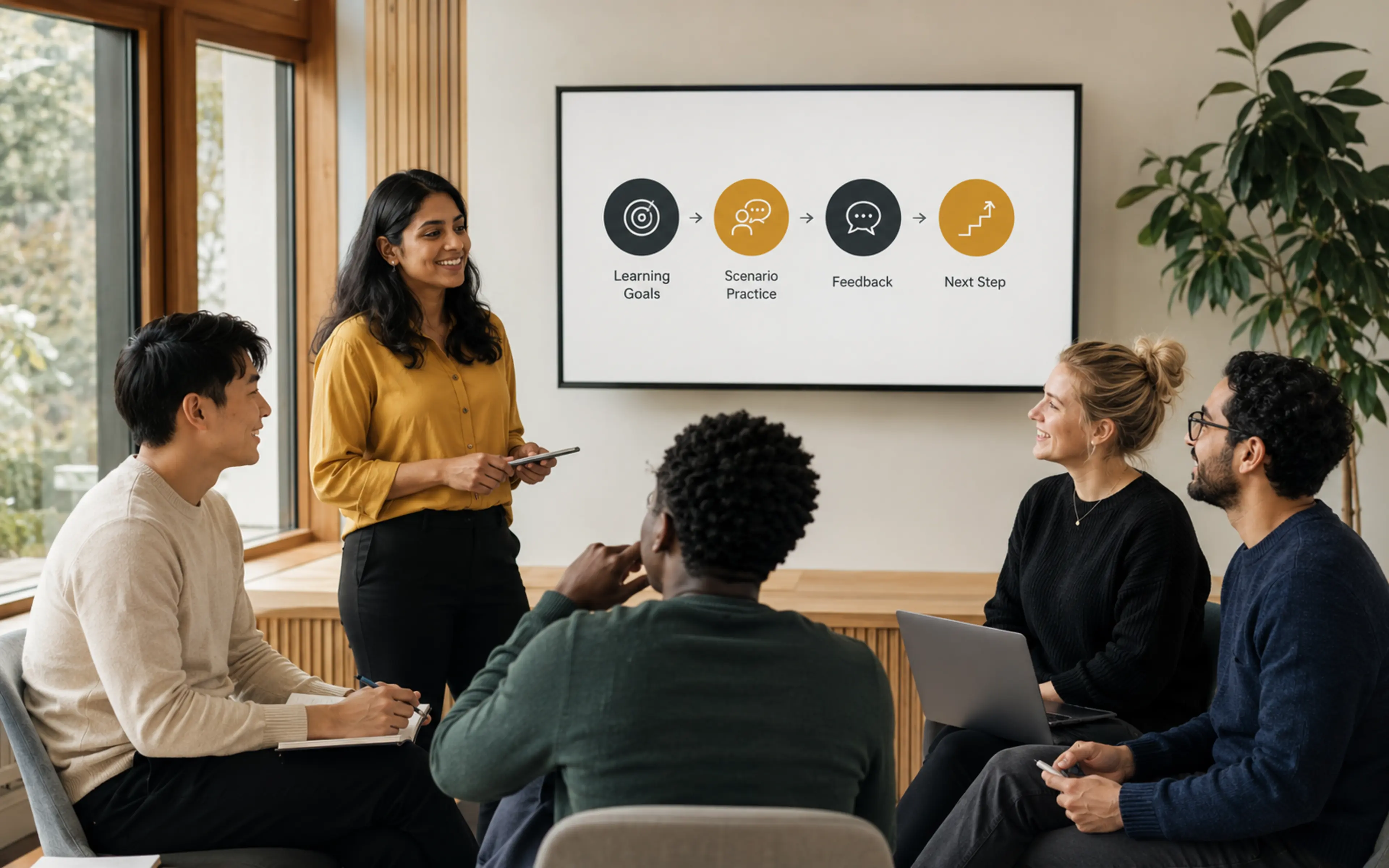
Use scenarios, coaching, and feedback to help people build judgment, not just memorize prompts.
Find out where people lean in, get stuck, try the new skill, or need a little more help.
Smart and responsible
Important outputs are always reviewed by experienced humans.
We use it when it genuinely makes the work clearer, faster, or more useful.
Every example connects to real workflows, decisions, risks, and customer moments.
How we make video now
We use AI where it removes busywork and opens up creative options. Then we use experienced editors, designers, and producers to make the result feel intentional.
Descript and NotebookLM help us move faster through research, scripts, transcripts, rough cuts, and source synthesis. Every output still gets a human edit.
Midjourney and Nano Banana help us explore visual directions, create custom scenes, and prototype faster without settling for generic stock.
Adobe Creative Suite, Premiere Pro, After Effects, Photoshop, and Bridge give the work the polish, pacing, and consistency it needs.